All you need to do is have downloader ready.
If you’ve enabled Developer Mode on your Amazon Firestick, you’re already ahead of the game when it comes to unlocking the full potential of your device. One of the best tools to use is the Downloader app, which allows you to quickly install third-party apps using short numeric codes.
To make it easy, we’ve rounded up 7 of the best and most reliable IPTV TV Downloader codes for 2025. Whether you’re into movies, live TV, or all-in-one streaming solutions, these codes will take your Firestick to the next level.
⚠️ Disclaimer: Always use these apps responsibly. Some apps may access copyrighted content—use a VPN to protect your privacy and abide by local laws.
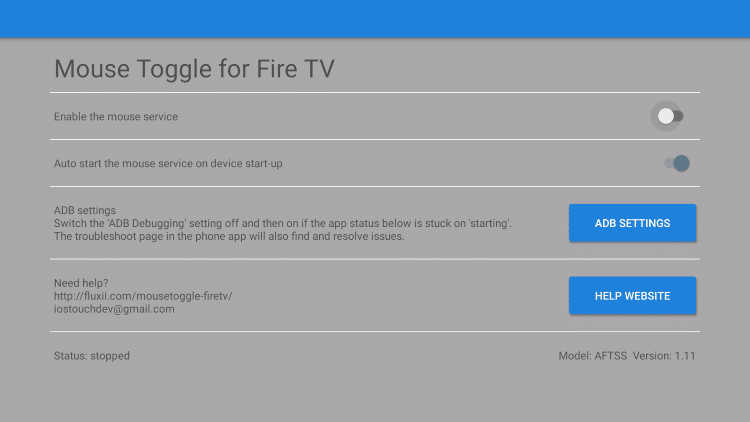
1. Mouse Toggle – Code: 558043
Adds a virtual mouse cursor to your Firestick, enabling better navigation for apps not optimized for TV screens.
2. ES File Explorer – Code: 854057
A powerful file manager that allows you to manage and organize files on your Firestick efficiently. ES File explorer lets you easily and efficiently move files from your computer to your Firestick.

3. MX Player – Code: 132954
A versatile media player supporting various video formats, ideal for streaming content on your Firestick. MX player is compatible with many of the popular movie streaming APK’s.
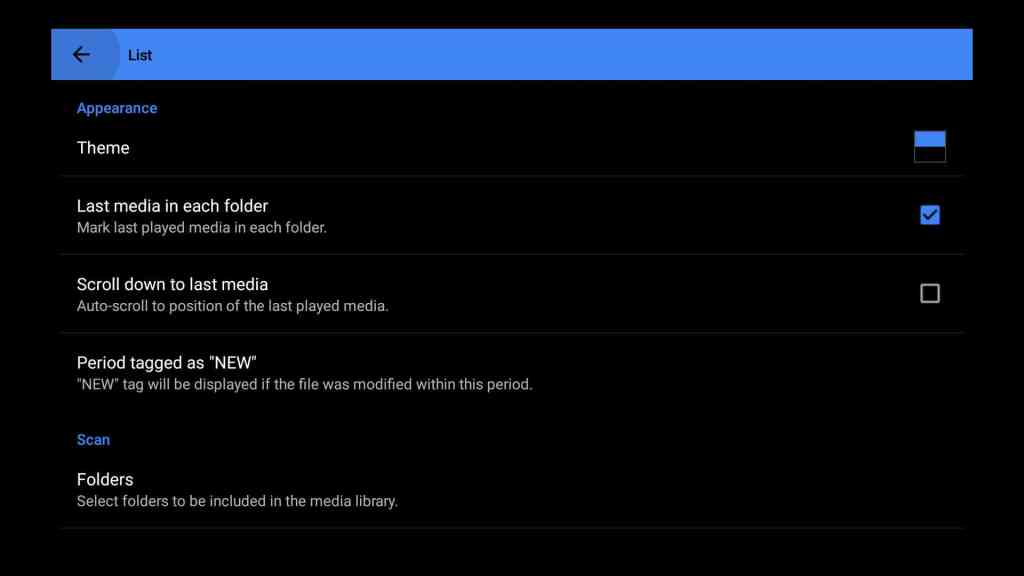
4. SmartTube – Code: 28544
An ad-free YouTube client that offers a clean interface and supports signing into your Google account.

5. Ad Guard – Code: 559357
Blocks ads across apps and browsers on your Firestick, enhancing your viewing experience.

6. Aptoide TV – Code: 48157
An alternative app store for Firestick, offering a wide range of apps not available on the Amazon Appstore.

7. APKTime – Code: 19079
A third-party app store that provides access to various apps, including streaming and utility tools.
8. Background Apps & Process List – Code: 209896
Helps identify and close unnecessary background processes, improving your Firestick’s performance.

🔐 Bonus Tip: Use a VPN
We strongly recommend using a trusted VPN like Fastest VPN when using these apps. This helps protect your identity and prevents ISP throttling.
Final Thoughts
With Developer Mode enabled and these top Downloader codes, your Firestick transforms into a powerhouse streaming device. Whether you’re after live sports, blockbuster movies, or binge-worthy shows, there’s something on this list for everyone.
🧠 Pro Tip: Bookmark this post to stay updated—Downloader codes change frequently, and we’ll update this list as new apps rise in popularity.
📜 Legal Disclaimer
The content provided on this website is for educational and informational purposes only. We do not host, distribute, or promote any illegal content or third-party applications that violate copyright laws or Amazon’s terms of service.
Enabling Developer Mode on your Amazon Firestick is a built-in feature provided by Amazon for developers and advanced users. Our guides are designed to show you how to access this feature legally and responsibly. We do not encourage or endorse the use of Developer Mode for unauthorized access to copyrighted material, digital piracy, or any activity that violates applicable laws or platform terms.
By using this website, you acknowledge and agree that:
- You are solely responsible for how you use the information provided.
- You will comply with all applicable local, state, federal, and international laws.
- You understand that modifying your Firestick may void warranties or violate Amazon’s terms of use.
We strongly recommend using a trusted VPN like Fastest VPN and only installing trusted applications from reliable sources. This site assumes no liability for any legal issues, technical problems, or consequences resulting from your use of Developer Mode or any third-party applications mentioned.
If you do not agree with this disclaimer, please refrain from using this website.
 Total freedom on your Firestick.
Leave a comment