All you need to do is have downloader ready.
If you’re a sports enthusiast using a developer-enabled Amazon Firestick, you can access a wide array of free sports streaming apps through the Downloader app. These apps offer live sports coverage from around the globe, including football, basketball, cricket, and more. Below is a curated list of the top 9 free movie APKs, complete with their Downloader codes for easy installation.
⚠️ Disclaimer: Always use these apps responsibly. Some apps may access copyrighted content—use a VPN to protect your privacy and abide by local laws.
1. Cinema HD – Code 4244746
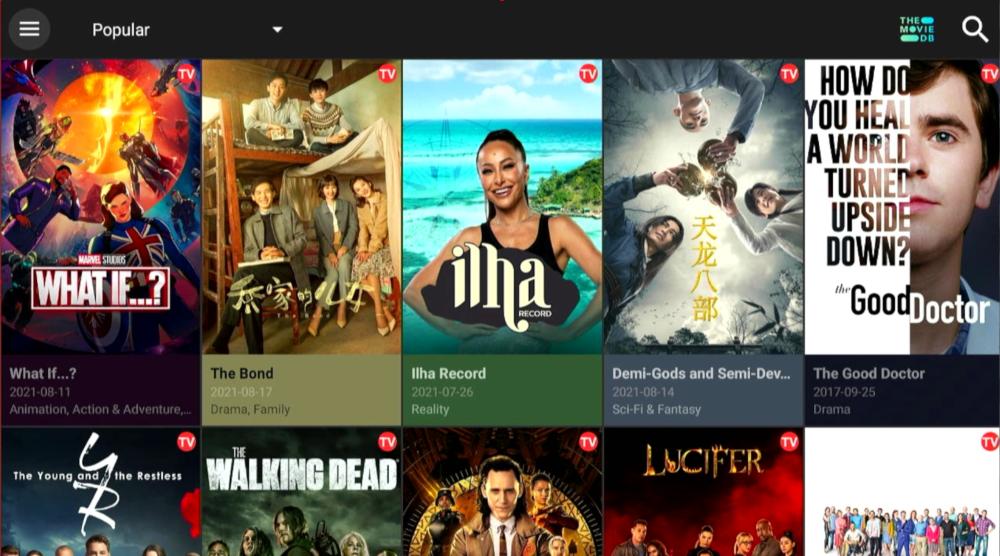
Over 50,000 titles in HD and 4K, Real-Debrid support, Trakt integration, and an intuitive interface. Cinema HD is consistently updated with the latest movies and TV shows. The downloader code will take you to our Tool Box page, which is constantly updated with the latest downloader codes. Browse through the list to find all the APK downloads you need in one place. You can also connect your Debrid service to Cinema HD.
2. BeeTV – Code 23089

High-definition streaming up to 4K, Real-Debrid and Trakt support, multilingual subtitles, and a user-friendly design. BeeTV has been ab absolute Firestick staple for many years. Offers a vast library of content with minimal buffering. You can also connect your Debrid service to BeeTV.
3. CyberFlix TV – Code 4244746
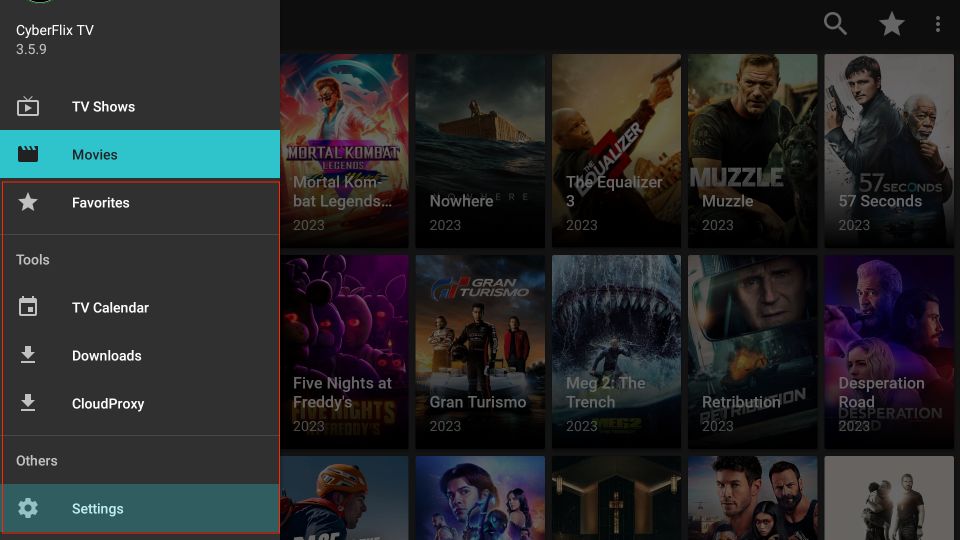
Extensive collection of movies and TV shows, Real-Debrid integration, and daily updates. Known for its reliability and high-quality streams. The downloader code will take you to our Tool Box page, which is constantly updated with the latest downloader codes. Browse through the list to find all the APK downloads you need in one place.
4. Nova TV – Code 7122855
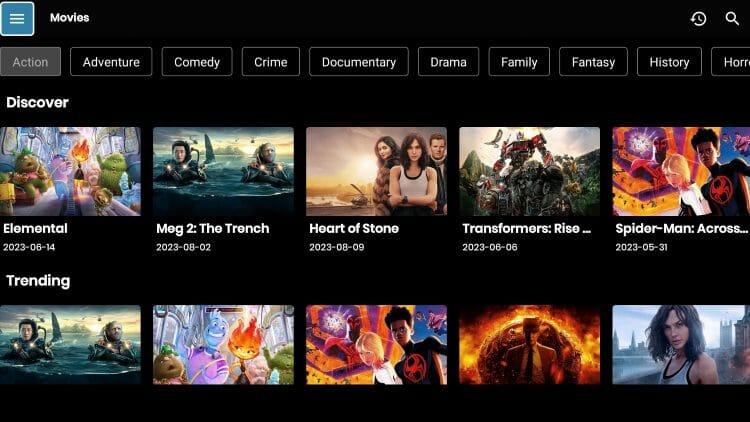
Lightweight app with over 20,000 titles, ad-free experience, and Real-Debrid support. Offers a clean interface and smooth streaming.
5. FilmPlus – Code 41290
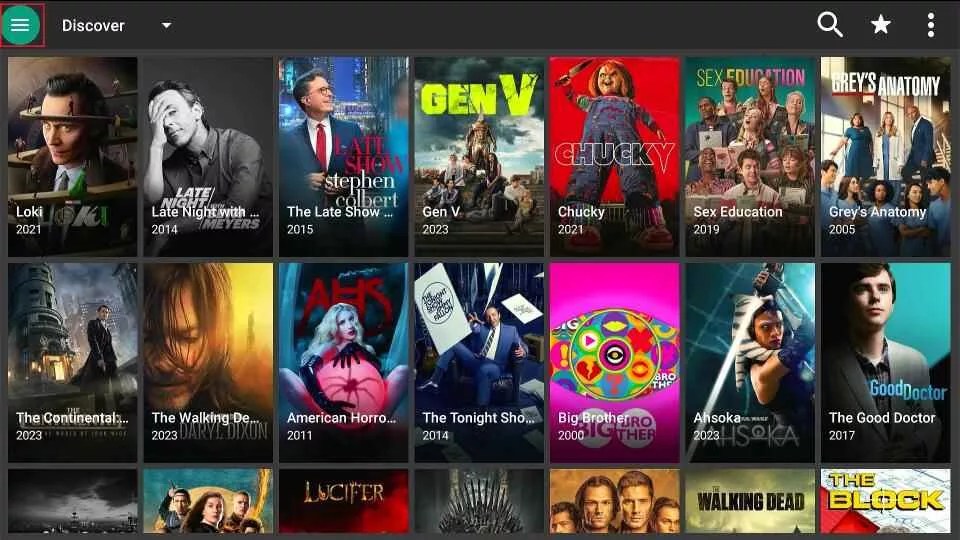
Thousands of free movies and TV shows, 4K streaming, and Real-Debrid integration. A great alternative to Terrarium TV with a wide variety of content.
6. Viva TV – Code 80004
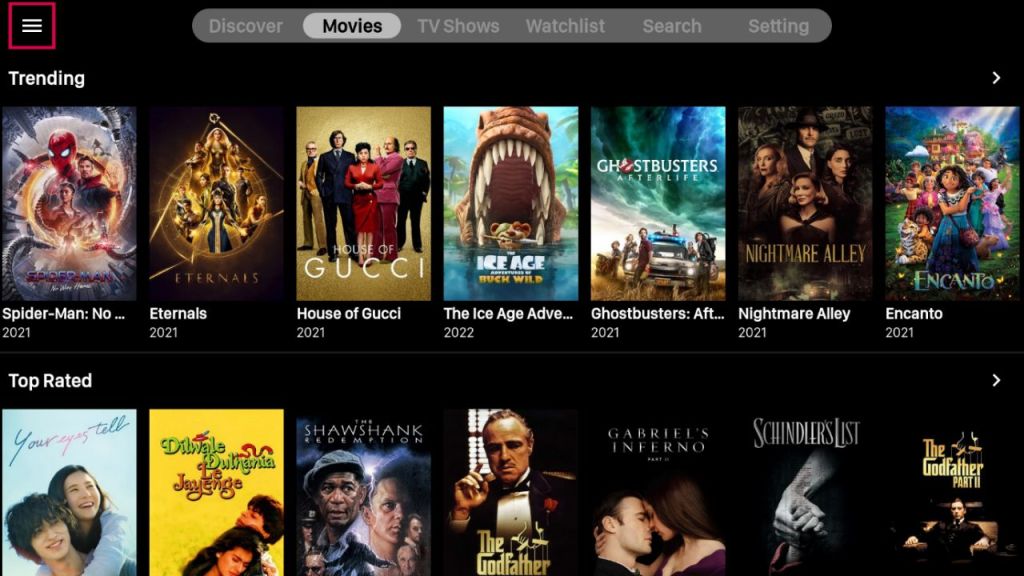
Extensive content selection, Trakt & Real-Debrid support, and up to 4K streaming. Easy-to-use interface with well-organized categories.
7. TeaTV – Code 3579192
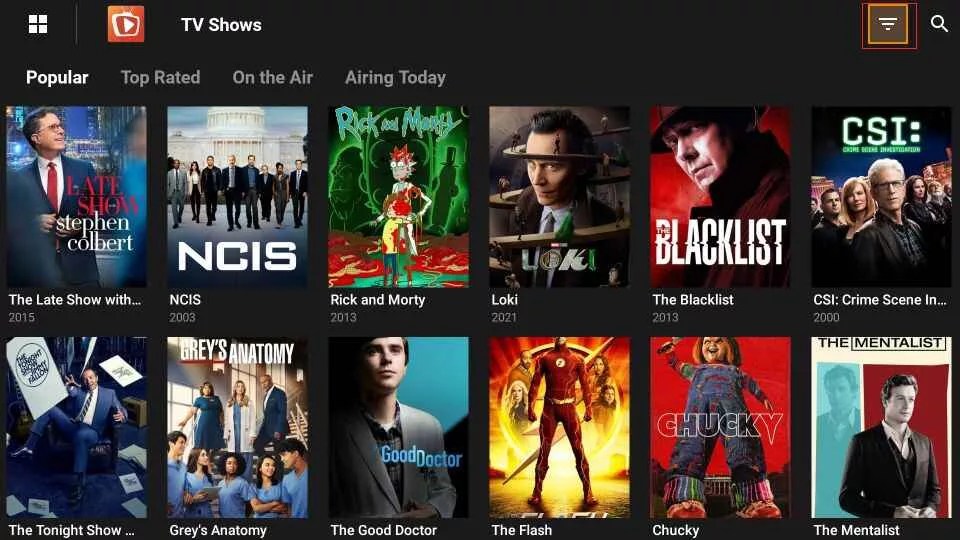
Large content library, Real-Debrid integration, and up to 1080p streaming. Simple and easy to use with minimal buffering.
8. UK Turks – Code 7071302

All-in-one app offering movies, TV shows, live TV channels, and sports. Extensive range of categories including live cams and radio.
9. Flix Vision – Code 4244746
Reliable app for high-definition movie and TV streaming. Offers a vast library of content with minimal buffering. The downloader code will take you to our Tool Box page, which is constantly updated with the latest downloader codes. Browse through the list to find all the APK downloads you need in one place. You can also connect your Debrid service to Flix Vision.
📥 How to Install APKs Using Downloader
- Install Downloader: Search for the Downloader app in the Amazon App Store and install it.
- Enable Unknown Sources: Go to Settings > My Fire TV > Developer Options, and turn on “Apps from Unknown Sources.”
- Open Downloader: Launch the Downloader app.
- Enter Downloader Code: Input the provided Downloader code for the desired app.
- Install the APK: Follow the on-screen prompts to download and install the app.
🔐 Bonus Tip: Use a VPN
We strongly recommend using a trusted VPN like Fastest VPN when using these apps. This helps protect your identity and prevents ISP throttling.
Final Thoughts
With Developer Mode enabled and these top Downloader codes, your Firestick transforms into a powerhouse streaming device. Whether you’re after live sports, blockbuster movies, or binge-worthy shows, there’s something on this list for everyone.
🧠 Pro Tip: Bookmark this post to stay updated—Downloader codes change frequently, and we’ll update this list as new apps rise in popularity.
📜 Legal Disclaimer
The content provided on this website is for educational and informational purposes only. We do not host, distribute, or promote any illegal content or third-party applications that violate copyright laws or Amazon’s terms of service.
Enabling Developer Mode on your Amazon Firestick is a built-in feature provided by Amazon for developers and advanced users. Our guides are designed to show you how to access this feature legally and responsibly. We do not encourage or endorse the use of Developer Mode for unauthorized access to copyrighted material, digital piracy, or any activity that violates applicable laws or platform terms.
By using this website, you acknowledge and agree that:
- You are solely responsible for how you use the information provided.
- You will comply with all applicable local, state, federal, and international laws.
- You understand that modifying your Firestick may void warranties or violate Amazon’s terms of use.
We strongly recommend using a trusted VPN like Fastest VPN and only installing trusted applications from reliable sources. This site assumes no liability for any legal issues, technical problems, or consequences resulting from your use of Developer Mode or any third-party applications mentioned.
If you do not agree with this disclaimer, please refrain from using this website.

 Total freedom on your Firestick.
Leave a comment