All you need to do is have downloader ready.
If you’re a sports enthusiast using a developer-enabled Amazon Firestick, you can access a wide array of free sports streaming apps through the Downloader app. These apps offer live sports coverage from around the globe, including football, basketball, cricket, and more. Below is a curated list of the top 9 free sports APKs, complete with their Downloader codes for easy installation.
⚠️ Disclaimer: Always use these apps responsibly. Some apps may access copyrighted content—use a VPN to protect your privacy and abide by local laws.
1. Lepto Sports – Code: 295386

Lepto Sports offers an ad-free streaming experience with access to over 200 sports channels, covering basketball, soccer, cricket, and more. The app provides multiple streaming links for each event, ensuring reliable access to live matches and highlights.
2. Live NetTV – Code: 4244746
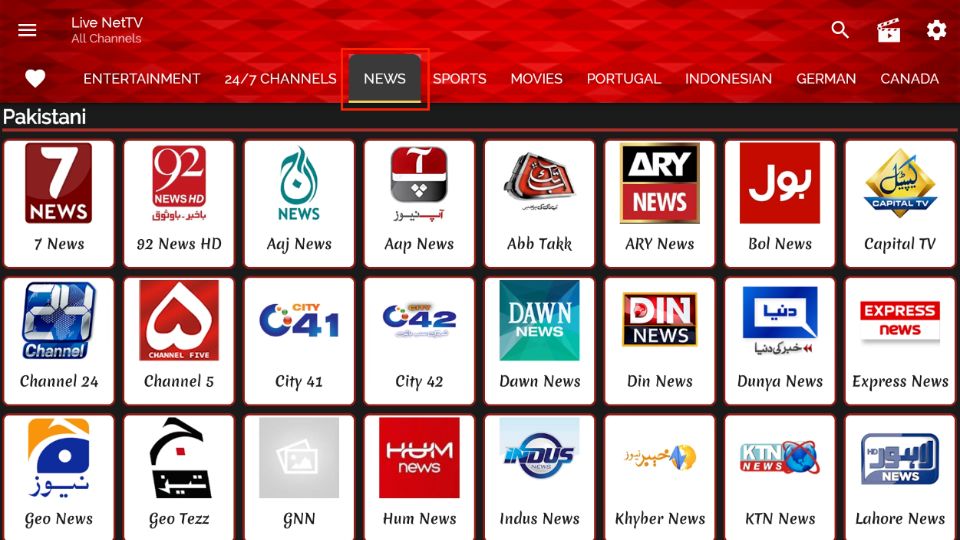
Live NetTV boasts a vast catalog of over 800 live TV channels, including more than 150 dedicated to sports. From football and basketball to tennis and motor racing, this app covers major sporting events worldwide. You can use this code to download the LiveNetTV APK directly from our Tool Box page.
3. HD Streamz – Code: 4244746
4244746
HD Streamz provides access to over 1000 channels from 19 countries, featuring a wide array of sports content. With multiple streaming links and HD quality, it’s a reliable choice for live sports enthusiasts. You can use this code to download the LiveNetTV APK directly from our Tool Box page.
4. OLA TV – Code: 43822

OLA TV offers an extensive list of over 1000 live TV channels, including a significant number of sports channels. Note that this app requires additional media players like Ludio and KShaw for streaming content.
5. RedBox TV – Code: 430924

RedBox TV provides access to over 1000 live channels globally, with a dedicated section for sports. Users can enjoy both HD and SD quality streams across various sports categories.
6. Dofu Sports – Code: 342254
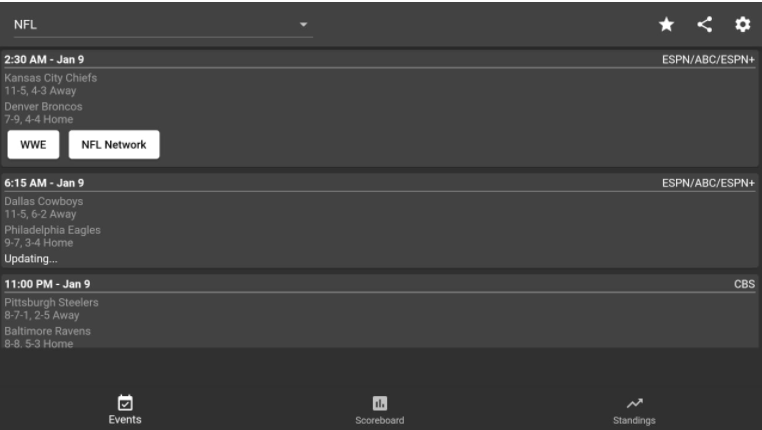
Tea Sports Live focuses on live football tournaments, including FIFA, Premier League, and Champions League. It also offers basketball tournaments like the NBA and provides match highlights for on-demand viewing.
7. NavixSport – Code: 730116
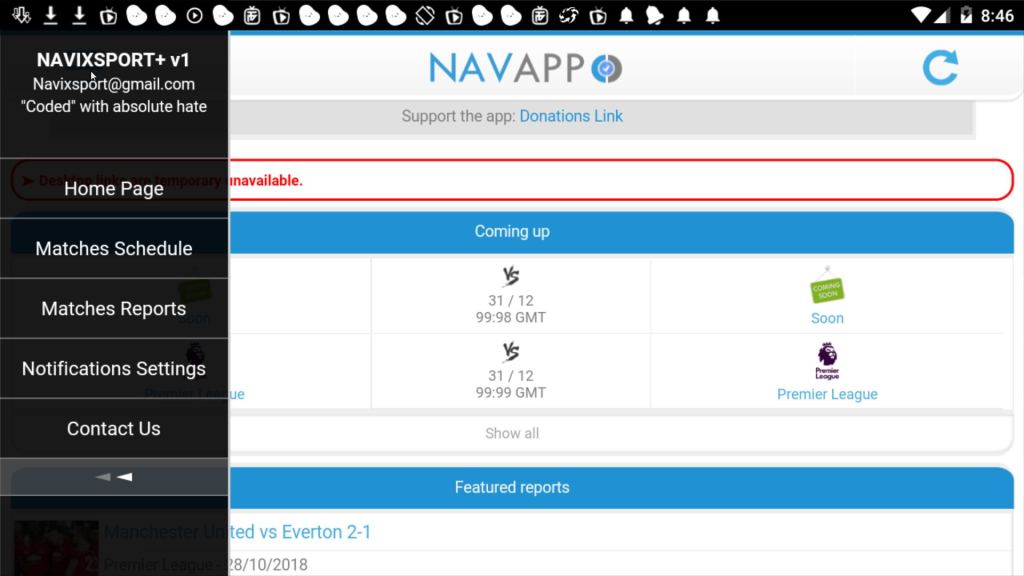
NavixSport allows users to add playlists based on their preferred sports content, with a demo playlist tailored for soccer fans. The app also offers news, events, stats, and transfer updates for your favorite teams.
8. La Deportes – Code: 874607
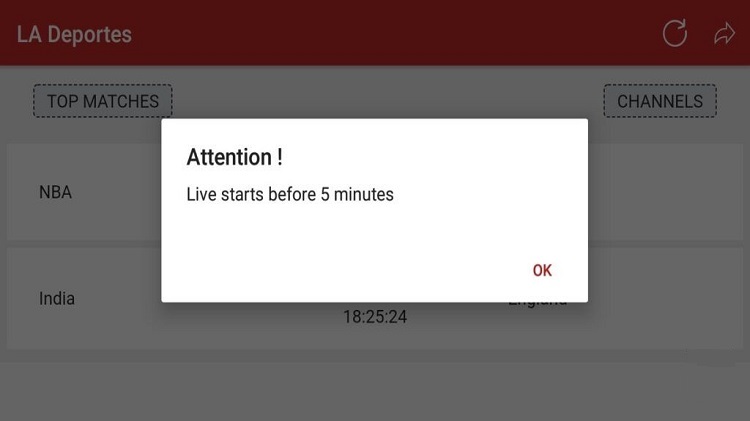
La Deportes streams live sports events from around the world, including soccer, volleyball, basketball, and cricket. Please note that it only streams on match days and doesn’t offer highlights or replays.
9. SportsFire – Code: 4244746

SportsFire is a free app that provides access to live sports events like NFL, FA Cup, La Liga, and Formula 1. It offers a buffer-free streaming experience without any ads, enhancing your viewing pleasure. You can use this code to download the LiveNetTV APK directly from our Tool Box page.
📥 How to Install APKs Using Downloader
- Install Downloader: Search for the Downloader app in the Amazon App Store and install it.
- Enable Unknown Sources: Go to Settings > My Fire TV > Developer Options, and turn on “Apps from Unknown Sources.”
- Open Downloader: Launch the Downloader app.
- Enter Downloader Code: Input the provided Downloader code for the desired app.
- Install the APK: Follow the on-screen prompts to download and install the app.
🔐 Bonus Tip: Use a VPN
We strongly recommend using a trusted VPN like Fastest VPN when using these apps. This helps protect your identity and prevents ISP throttling.
Final Thoughts
With Developer Mode enabled and these top Downloader codes, your Firestick transforms into a powerhouse streaming device. Whether you’re after live sports, blockbuster movies, or binge-worthy shows, there’s something on this list for everyone.
🧠 Pro Tip: Bookmark this post to stay updated—Downloader codes change frequently, and we’ll update this list as new apps rise in popularity.
📜 Legal Disclaimer
The content provided on this website is for educational and informational purposes only. We do not host, distribute, or promote any illegal content or third-party applications that violate copyright laws or Amazon’s terms of service.
Enabling Developer Mode on your Amazon Firestick is a built-in feature provided by Amazon for developers and advanced users. Our guides are designed to show you how to access this feature legally and responsibly. We do not encourage or endorse the use of Developer Mode for unauthorized access to copyrighted material, digital piracy, or any activity that violates applicable laws or platform terms.
By using this website, you acknowledge and agree that:
- You are solely responsible for how you use the information provided.
- You will comply with all applicable local, state, federal, and international laws.
- You understand that modifying your Firestick may void warranties or violate Amazon’s terms of use.
We strongly recommend using a trusted VPN like Fastest VPN and only installing trusted applications from reliable sources. This site assumes no liability for any legal issues, technical problems, or consequences resulting from your use of Developer Mode or any third-party applications mentioned.
If you do not agree with this disclaimer, please refrain from using this website.

 Total freedom on your Firestick.
Leave a comment