Why You Should Always Use a VPN When Sideloading on an Amazon Firestick

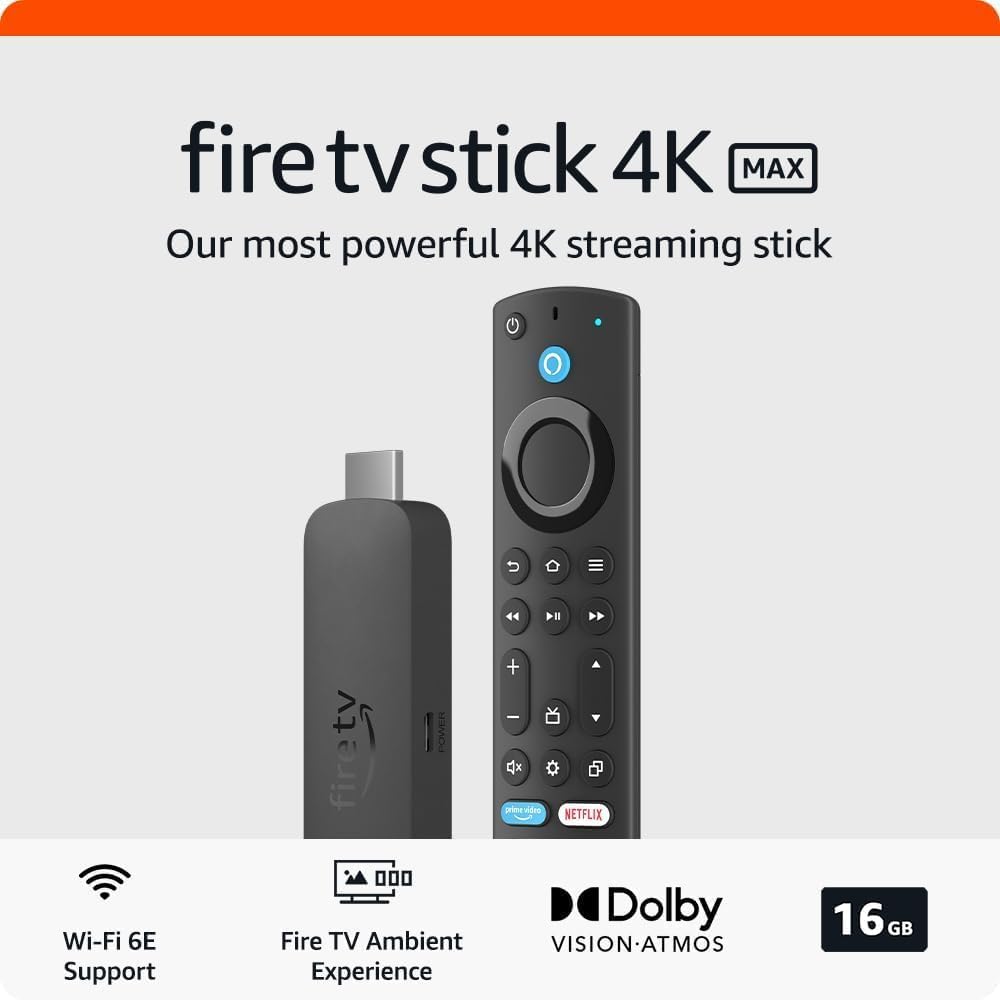
Sideloading apps onto an Amazon Firestick is a popular way to unlock more content and enhance your streaming experience. It allows you to install third-party apps that aren’t available in the official Google Play Store, including media players, IPTV services, and niche streaming platforms.
However, while sideloading opens the door to greater entertainment, it also comes with certain risks. That’s why using a VPN (Virtual Private Network) is not just a good idea — it’s essential. Here’s why.
1. Protect Your Privacy
When you sideload apps, especially those from unofficial sources, you’re bypassing the traditional vetting process that ensures apps are safe and secure. Some sideloaded apps may collect your data, track your activity, or expose your IP address.
A VPN encrypts your internet traffic and hides your IP address, making it much harder for third parties — including your ISP or app developers — to monitor your activity.
2. Avoid ISP Throttling
ISPs often monitor traffic and may throttle (slow down) your connection if they detect high-bandwidth activities like streaming or torrenting. This can lead to buffering or poor video quality.
Using a VPN hides your traffic type, making it difficult for your ISP to detect what you’re doing — which can help you maintain a consistent, high-speed connection while streaming on your Firestick.
3. Access Geo-Restricted Content
Many sideloaded apps offer access to content from around the world. Unfortunately, this content may be region-locked and inaccessible in your country.
A VPN allows you to connect to servers in different countries, effectively bypassing geographic restrictions and giving you access to a broader range of content.
4. Secure Your Network from Malicious Apps
Not all sideloaded apps are safe. Some may contain malware, adware, or spyware. While a VPN isn’t antivirus software, many reputable VPN services offer built-in security features that help block malicious sites, phishing attempts, and even ad trackers — adding an extra layer of protection.
Recommended VPNs for Firestick Users
When choosing a VPN for sideloading and streaming on Firestick, you want one that offers fast speeds, strong encryption, and Firestick-compatible apps. Here are two trusted VPNs we recommend:
🔒 NordVPN
NordVPN is a leading provider known for its strong privacy policies, large server network, and fast streaming speeds. It also has a dedicated app available on the Google Play Store, making installation easy.
Key Features:
- 5,800+ servers in 60+ countries
- No-logs policy
- Threat protection for blocking malware and ads
- Excellent speed and reliability
➡️ Try NordVPN here (affiliate link)
🔒 FastestVPN
FastestVPN is a more budget-friendly option that still delivers solid performance and strong encryption. It supports multiple platforms and offers apps for Firestick, making it easy to use for beginners and advanced users alike.
Key Features:
- Affordable pricing
- Servers in 30+ countries
- Ad-blocker and malware protection
- Great for basic streaming and privacy needs
➡️ Try FastestVPN here (affiliate link)

Final Thoughts
Sideloading on your Firestick can greatly expand your entertainment options, but it’s crucial to protect yourself while doing it. A VPN ensures your privacy, helps avoid ISP throttling, and gives you access to global content safely.
Whether you choose NordVPN for premium performance or FastestVPN for a more budget-conscious option, both provide the security and peace of mind you need when sideloading apps on your Firestick.
This article contains affiliate links. If you click and purchase, we may earn a small commission at no extra cost to you.
You can read our affiliate disclaimer here.
If you find our COMPLETELY FREE guides useful , you could always click this link: https://ko-fi.com/W7W5I991 and buy us a coffee!!
 Total freedom on your Firestick.